

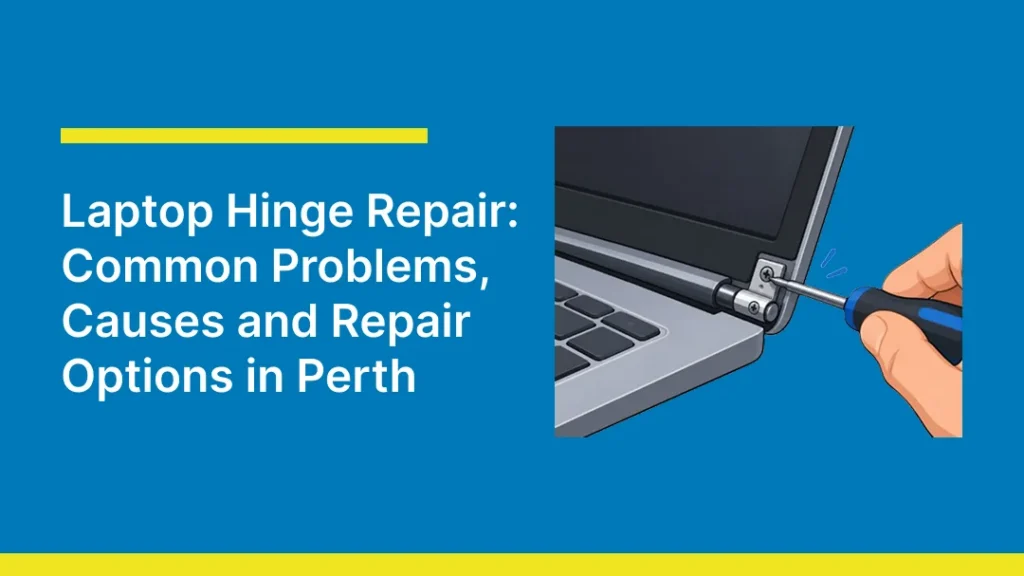
A laptop hinge doesn’t get much attention until it stops working properly. Every time you lift the lid, sit the screen at an angle, or carry the laptop from room to room, the hinge is absorbing stress that most people never think about. Over months or years, that stress adds up, and a hinge that once opened smoothly starts to creak, wobble, or grind.
If you’re dealing with a loose, cracked, or completely broken hinge on your laptop, you’re not alone. Hinge failure is one of the most common hardware repairs laptop owners in Perth bring in. This guide covers exactly why laptop hinges break, how to tell if your hinge needs repair or replacement, prevention tips, and what to expect from professional laptop hinge repair.
Common Laptop Hinge Problems
Not all hinge issues look the same, and the specific problem you’re seeing usually points to a specific cause. The most frequent hinge issues we see across HP, Lenovo, Dell, Acer, ASUS, and MacBook devices include:
- Loose or wobbly hinges: The screen no longer holds its position and drifts forward or backward on its own.
- Stiff or hard-to-open hinges: The lid resists opening or closing smoothly, often due to internal grease breakdown or dust buildup.
- Cracked hinge brackets: Visible splits in the plastic or metal bracket connecting the lid casing to the base.
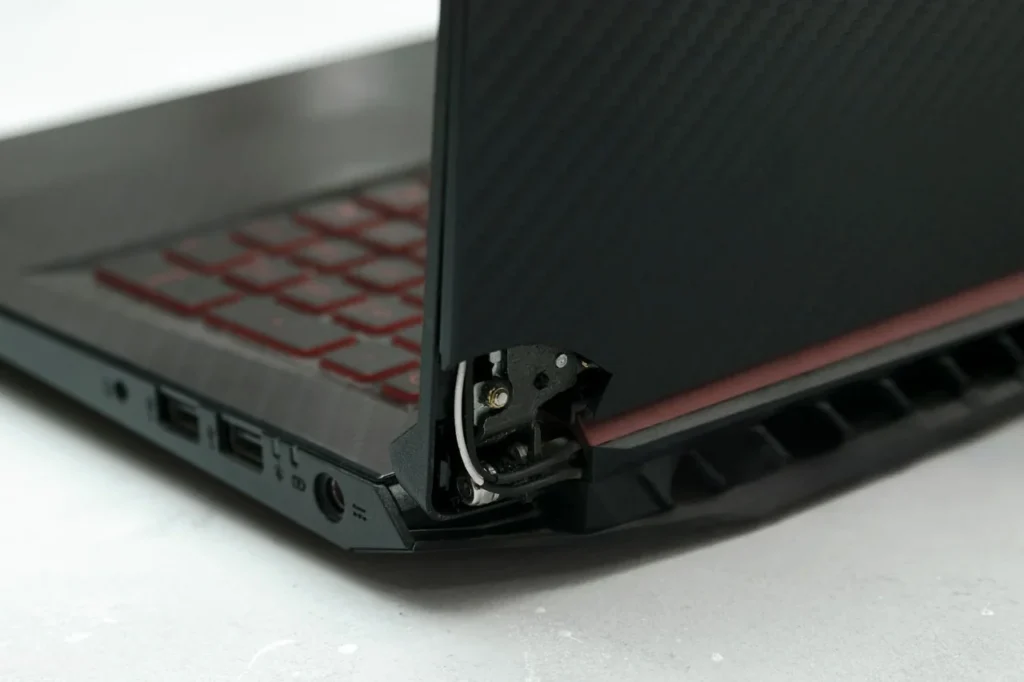
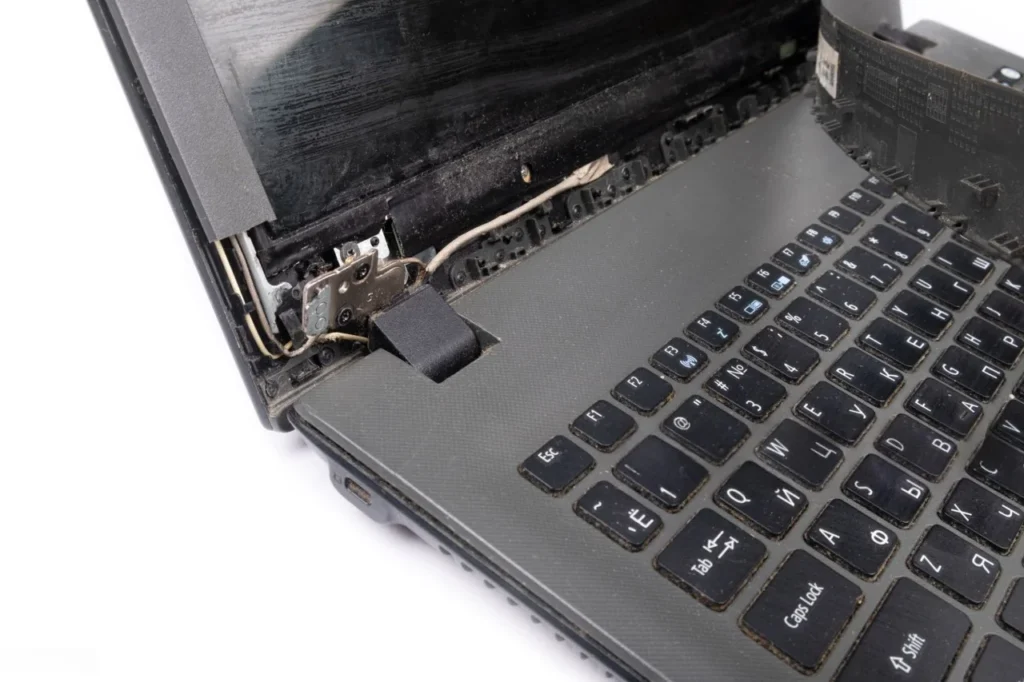
- Hinge separated from the chassis: The hinge mechanism has pulled away from the top lid cover or the base entirely, sometimes tearing the casing around it.
- Uneven hinge tension: One side of the laptop hinge moves differently to the other, causing the screen to sit at a twisted angle.
- Hinge damage affecting internal cables: As the LCD ribbon cable, WiFi antenna, and sometimes webcam housing wiring all route through the hinge area, a broken hinge can pinch or sever these cables.
2-in-1 and convertible laptops (like the Lenovo Yoga or HP x360 range) see hinge problems more often than standard laptops, simply because their hinge mechanism has to support a full 360-degree rotation rather than a simple open-close motion.

Signs Your Laptop Hinge Needs Repair
If your laptop’s screen won’t hold its angle, makes grinding or creaking noises when opened, or shows visible cracking near the hinge, it means that it needs professional repair before the damage spreads to the screen or internal wiring.
Watch for these specific warning signs:
- The screen won’t stay open at your chosen angle and slowly tips forward or falls backward under its own weight.
- Creaking, grinding, or popping sounds when you open or close the lid, a strong indicator that internal hinge components are wearing down or have come loose.
- Visible gaps or cracks in the plastic or metal casing around the hinge bracket.
- The lid feels stiff or requires excessive force to open, which often points to a mechanical fault inside the hinge assembly rather than just tight tension.
- Uneven movement between the left and right hinge, making the screen sit crookedly.
- Flickering screen or intermittent display issues when the lid moves, this usually means hinge damage has already started affecting the LCD ribbon cable that runs through it.
- The top lid cover feels loose or separated from the base of the laptop, even slightly.
What Causes Laptop Hinges to Break?
Laptop hinge damage almost always comes down to one of a handful of causes, and understanding which one applies to your laptop helps determine the right fix.
- Wear and tear from repeated use: Laptop hinges experience repeated mechanical stress every time the lid is opened and closed. Daily use over several years wears down the internal mechanism regardless of how carefully you handle the device.
- Opening or closing the lid incorrectly: Opening the laptop from one corner, using excessive force, or slamming it shut all put uneven pressure on the hinge bracket. Over time, this stresses the thin plastic or metal that anchors the hinge to the top lid cover, eventually causing the hinge to crack.
- Exceeding the hinge’s angle limit: Most laptop hinges are designed to open to somewhere between 120 and 150 degrees. Pushing the screen past that limit puts direct strain on the hinge mechanism and the LCD back cover.
- Carrying or lifting the laptop by the screen: The hinge and lid casing aren’t designed to support the full weight of the laptop. Lifting or carrying a laptop by its screen transfers that weight directly onto the hinge bracket.
- Pressure from bags and backpacks: Laptops stored in bags alongside books, chargers, or other heavy items can experience compression pressure on the hinge area, especially if the laptop isn’t in a padded sleeve.
- Design and build quality: Convertible models such as the Lenovo Yoga and HP x360 ranges have more complex hinge mechanisms because their displays are designed to rotate through a much wider range of movement. These models develop hinge problems more often than normal models.
- Accidental drops or impacts: A drop doesn’t need to crack the screen to damage the hinge, impact stress on the corner or edge of the lid is often enough to fracture the internal hinge bracket even when the exterior looks fine.
How to Prevent Laptop Hinge Damage
Most hinge damage is avoidable with a few consistent habits:
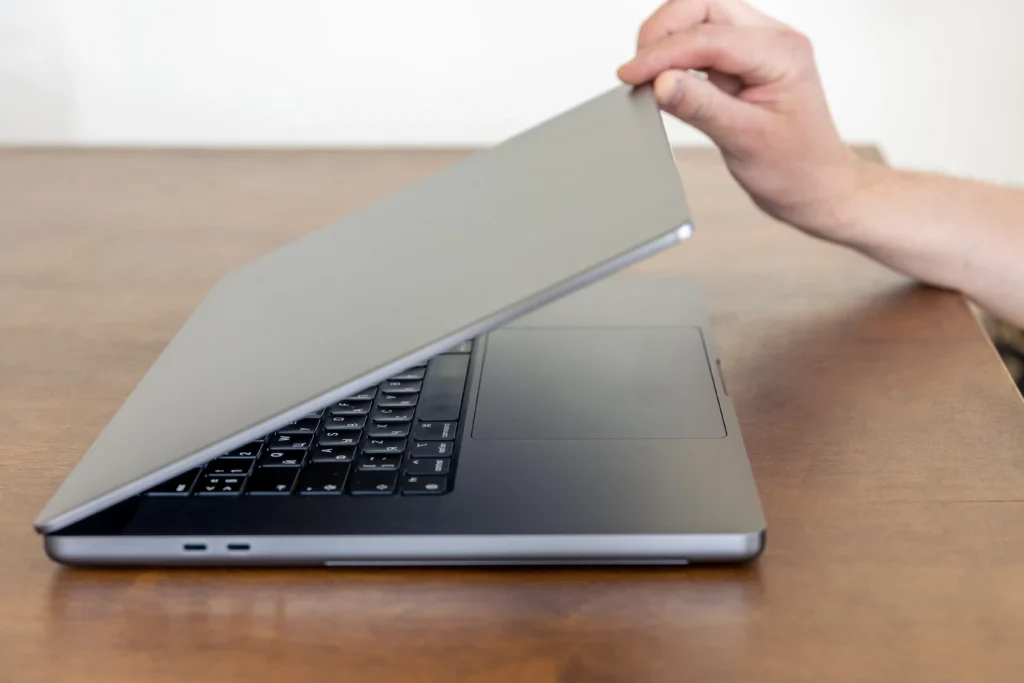
- Open and close the lid from the centre: Avoid repeatedly opening or closing the lid from just one side, as this can put uneven stress on the hinge mechanism.
- Avoid opening the screen past its designed angle: Forcing the display beyond its intended range can place unnecessary stress on the hinges, display assembly, or bezel.
- Always lift and carry the laptop by its base: Never carry your laptop by the screen or lid. The display assembly is not designed to support the weight of the entire laptop.
- Use a padded laptop sleeve or bag compartment: This helps protect the hinge area from pressure or impact caused by books, chargers, and other items in your bag.
- Close the lid gently: Avoid letting the laptop lid drop or snapping it shut, as repeated impact can gradually loosen or damage the hinge mechanism.
- Keep the hinge area clean: Dust and debris around the hinge can contribute to stiffness. If the hinges become unusually stiff, avoid forcing them open or closed, as this can increase stress on the hinge mounts
- Check for objects on the keyboard before closing the lid: Make sure there are no pens, USB drives, earbuds, or other objects on the keyboard. Closing the screen on an object can crack the display, bezel, or hinge assembly.
When Should You Get a Laptop Hinge Repaired?
You should get your laptop hinge repaired as soon as you notice a problem, not once the hinge fully fails.
A laptop hinge rarely breaks all at once. It typically loosens, then creaks, then cracks, and only after that does it fully separate or take the screen down with it. Getting it looked at during the “loose or creaking” stage is dramatically cheaper and simpler than waiting until the hinge has torn through the lid casing or damaged the LCD ribbon cable, WiFi antenna, or screen itself.
You should book a laptop repair service if:
- The screen no longer holds its position on its own.
- You can see a visible crack in the hinge bracket or surrounding casing.
- The lid feels loose, twisted, or uneven when opened.
- You notice display flickering that correlates with moving the lid.
- The laptop is still within its expected lifespan and worth keeping, generally, if the repair cost is a fraction of the laptop’s replacement value, repair makes more financial sense than replacing the whole device.
If the laptop is very old, already has other significant hardware issues, or the hinge damage has already destroyed the screen and internal wiring, a technician can advise whether repair is still cost-effective or whether replacement is the better call.
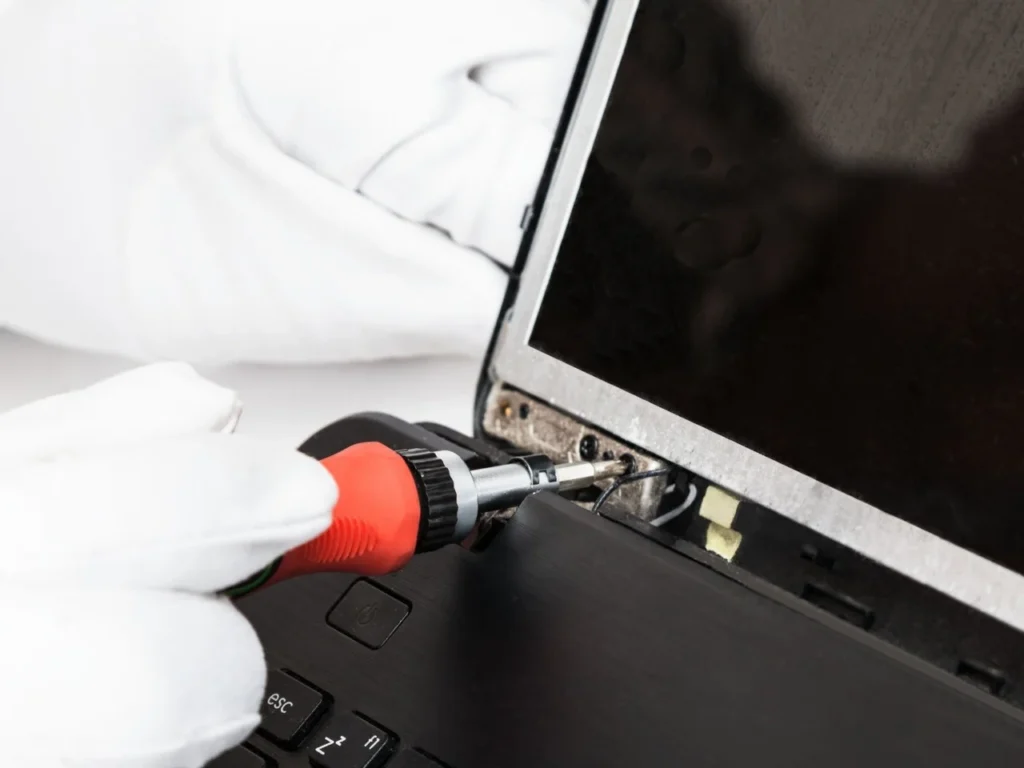
Why Choose Professional Laptop Hinge Repair?
DIY hinge repair is possible, but it comes with real risk as the LCD ribbon cable, WiFi antenna, and often the webcam housing all route directly through or near the hinge. Disassembling a laptop without the right tools or experience can easily turn a $150–$300 hinge repair into a $600+ screen repair or replacement and motherboard repair.
Professional repair typically involves:
- Diagnosis: Inspecting the hinge, lid casing, and surrounding components to confirm the extent of damage before any work begins.
- Careful disassembly: Carefully opening the chassis without straining the ribbon cables, antenna wiring, or motherboard connectors that run near the hinge.
- Component check: Assessing whether the hinge bracket, lid casing, or hinge mechanism itself needs replacing, and whether any cables were compromised.
- Repair or replacement: Repairing the existing assembly or replacing damaged components with suitable OEM or high-quality aftermarket parts where available.
- Reassembly and realignment: Ensuring the screen sits evenly and the hinge tension is correct on both sides.
- Testing: Checking display function, WiFi connectivity, and webcam operation to confirm nothing else was affected.
Laptop Hinge Repair At Computer Mechanics Perth: What to Expect
If your laptop’s hinge is creaking, loose, cracked, or no longer holding its angle, it’s worth getting a professional opinion before the damage spreads. At Computer Mechanics Perth, we offer free diagnostics and transparent quotes on laptop hinge repair for all major brands, so you know exactly what you’re dealing with before committing to a repair.
Our laptop hinge repair starts with a proper diagnostic rather than direct repair or replacement. We inspect the hinge assembly, the lid casing, and the cables that run through the hinge area to confirm exactly what’s damaged before quoting any work.
Here’s what the process typically looks like:
- Free diagnostic and quote: We assess the hinge, chassis, and any related damage, and give you a clear cost estimate before proceeding.
- Genuine or high-quality parts: Depending on your laptop’s brand and model, we source OEM parts where possible, with quality aftermarket alternatives available for older or harder-to-source models.
- Careful repair: Our expert technicians disassemble the laptop protecting the LCD ribbon cable, WiFi antenna, and any nearby components while the hinge is repaired or replaced.
- Realignment and testing: Once the hinge is repaired, we test the screen movement, display, WiFi, and webcam to confirm everything works correctly.
- Fast turnaround: Most laptop hinge repairs in Perth are completed within a day or a few days, with same-day service available for straightforward cases where parts are in stock.
We work on all major laptop brands(HP, Lenovo, Dell, Acer, ASUS, or MacBook), and we’re upfront if a repair isn’t cost-effective compared to the laptop’s value, we’d rather tell you that honestly than sell you a repair that doesn’t make sense.
Contact us for a free and transparent quote for your laptop hinge repair in Perth.
FAQs
1. Can laptop hinges be repaired?
Yes, a damaged laptop hinge can be repaired rather than requiring a full laptop replacement. Repair usually involves fixing or replacing the hinge bracket and mechanism, and in some cases the surrounding lid casing. Whether repair is possible (versus needing a full lid or chassis replacement) depends on how far the damage has progressed and whether internal cables have been affected.
2. Can a Broken Laptop Hinge Damage Your Laptop?
Yes, significantly. Because the LCD ribbon cable, WiFi antenna, and sometimes webcam wiring all pass through or near the hinge, a broken hinge can pinch, stretch, or sever these cables. Continued use with a broken hinge can also crack the screen or damage the lid casing further, turning a relatively small repair into a much larger one.
3. How Much Does A Laptop Hinge Repair Cost?
Laptop hinge repair in Perth and across Australia typically costs between $150 and $300, depending on the laptop brand, model, and extent of damage. Simple repairs on common brands like HP, Dell, Lenovo, or Acer generally fall in the $150–$250 range, while premium laptops, MacBooks, or repairs requiring a full lid assembly replacement can run $250–$400 or more.
4. Can You Still Use a Laptop With a Broken Hinge?
You can use a laptop with a broken hinge, but it’s not advisable. Continuing to use it with a broken or loose hinge increases the risk of further damage to the screen, ribbon cables, and lid casing every time the lid is opened or closed. If you must keep using it before getting it repaired, handle the lid as little and as gently as possible.
5. Should I repair or replace the hinge of my laptop?
For most laptops, repairing the hinge is the more cost-effective option, a hinge repair is almost always cheaper than replacing the entire device. The main exception is when the laptop is already old, has other significant hardware issues, or the repair cost approaches a large portion of what a replacement laptop would cost. A technician can assess this during your diagnosis and advise honestly on which option makes more financial sense.
