Blogs

Illustration of a formatted hard drive with a deleted files icon and a recovery folder, representing data recovery after accidental formatting.

Tech Advice

Formatted a Hard Drive by Mistake? What You Should Do Next

/

You click Format, the progress bar finishes, and your drive is suddenly empty. Then it hits you: that was the […]

Illustration of a computer monitor displaying confidential files, a padlock, password protection, and warning symbols representing data leak prevention.

Tech Advice

Data Leak Prevention: What It Is, How It Works and 7 Ways to Stop Leaks

/

Data leak prevention is the combination of policies, technical controls and staff habits that stops sensitive data from reaching people […]

Illustration of a computer motherboard with a central processor, capacitors, connectors and circuit components, representing motherboard repair and replacement options.

Tech Advice

Motherboard Replacement vs Repair: What You Need to Know

/

A computer that won’t start, charge or show a picture often gets blamed on the motherboard. Sometimes that’s right. Often […]

Blue graphic with text: "How Can You Tell If Your Computer Has a Virus? 10 Warning Signs." Icons of a virus, worm, and warning symbols emphasize alertness.

Tech Advice

How Can You Tell If Your Computer Has a Virus? 10 Warning Signs

/

Learn how you can tell if your computer has a virus with warning signs, including slow performance, pop-ups, ransomware risks, plus virus protection tips.
A damaged hard drive with a visible crack on its disk platter and a red warning symbol, illustrating common signs of hard drive failure and the need for data protection.

Tech Advice

Signs Your Hard Drive Is Failing And What To Do Next

/

Most hard drives give some warning before they fail. You just have to know what the warning looks like. It […]

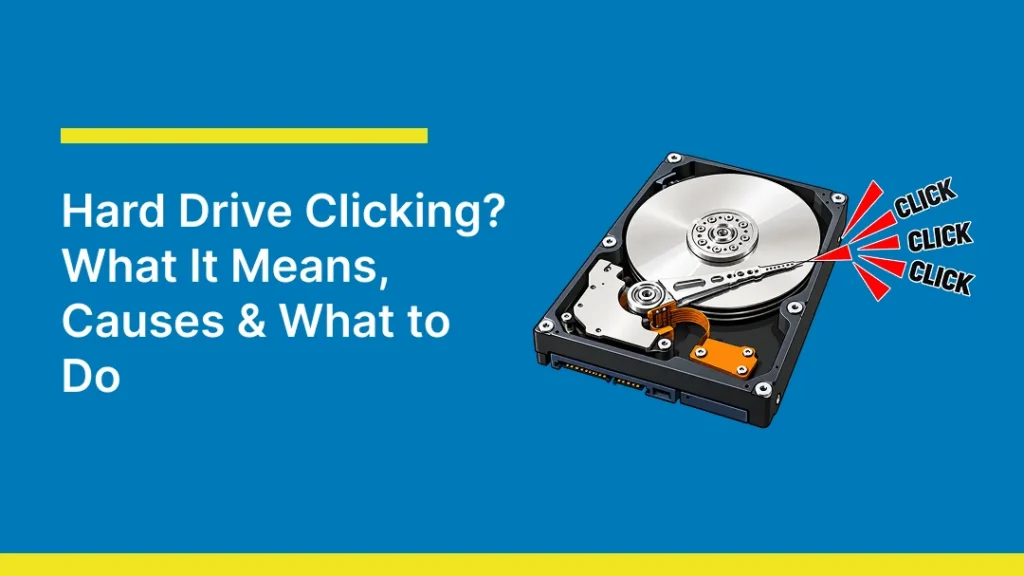
Blog thumbnail titled “Hard Drive Clicking? What It Means, Causes & What to Do,” featuring an illustration of an opened hard disk drive with red sound rays and repeated “CLICK” labels to represent the clicking noise associated with hard drive problems. The image represents hard drive clicking sounds, possible drive failure, and data recovery concerns.

Tech Advice

Hard Drive Clicking? What It Means, Causes & What to Do 

/

A hard drive that suddenly starts making repeated clicking sounds can be worrying, especially when important files are stored on […]

A blue blog graphic featuring an illustrated solid-state drive (SSD) alongside the headline “SSD Data Recovery: Can Data Be Recovered From a Failed SSD?”, representing data recovery options and the possibility of retrieving files from a failed or damaged SSD.

Tech Advice

SSD Data Recovery: Can Data Be Recovered From a Failed SSD?

/

Yes, data can often be recovered from a failed SSD, but not always. The outcome depends on how the drive […]

A blue graphic featuring an illustrated laptop with a circular data recovery symbol on its screen alongside the headline “DIY vs Professional Data Recovery: When to Call the Experts,” representing the choice between recovering lost data yourself and seeking professional data recovery services.

Tech Advice

DIY vs Professional Data Recovery: When to Call the Experts

/

When a hard drive stops working or important files suddenly disappear, the steps you take next can make the difference […]

A blue graphic featuring an illustrated laptop alongside the headline “What to Do With an Old Laptop in Australia: Sell, Reuse or Recycle,” highlighting options for handling an old laptop through resale, reuse, or recycling.

Tech Advice

What to Do With an Old Laptop in Australia: Sell, Reuse or Recycle

/

The best thing to do with an old laptop depends on whether it still works well and what a repair […]

family computer issues - relatives

Tech Advice

My Dear Old Non-Tech-Savvy Relatives

/

Family computer Issues Something my mother says that strikes fear into my heart whenever I visit: ‘Would you mind having […]

A blue graphic featuring a cartoon laptop with a distressed face and the headline “Laptop Won't Turn On? 13 Ways to Fix It (2026),” illustrating troubleshooting solutions for a laptop that fails to power on.

Tech Advice

Laptop Won’t Turn On? 13 Ways to Fix It (2026)

/

A laptop that won’t turn on can be alarming, but it doesn’t necessarily mean the laptop is seriously damaged. You […]

Blue graphic featuring an illustration of an open MacBook alongside the title “How to Speed Up MacBook: Easy Fixes for a Slow Mac,” introducing tips for improving the performance of a slow MacBook.

Tech Advice

How to Speed Up MacBook: Easy Fixes for a Slow Mac

/

A slow MacBook doesn’t always mean it’s time for a new one. In most cases, the slowdown comes down to […]

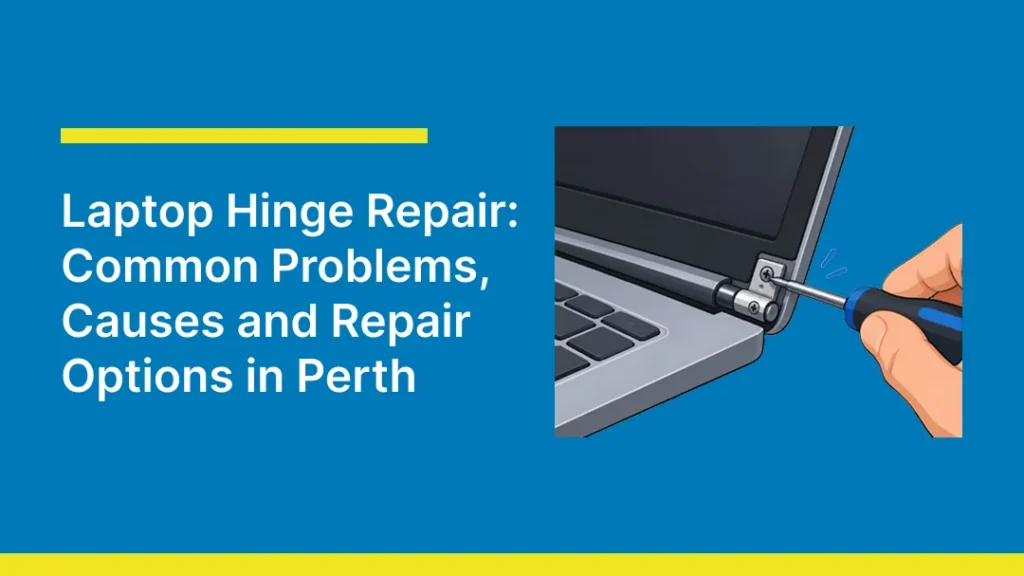
Thumbnail titled “Laptop Hinge Repair: Common Problems, Causes and Repair Options in Perth,” showing a close-up illustration of a laptop hinge being repaired with a screwdriver.

Tech Advice

Laptop Hinge Repair: Common Causes and Repair Options in Perth

/

A laptop hinge doesn’t get much attention until it stops working properly. Every time you lift the lid, sit the […]

Illustration of a laptop with a charging problem, representing common fixes for a laptop that is not charging.

Tech Advice

Why Is My Laptop Not Charging? 10 Fixes That Actually Work

/

Your laptop battery hits zero, you plug in the charger, and nothing. No light on the adapter, no charging icon, […]

Windows black screen troubleshooting guide thumbnail showing a laptop with a blank display.

Tech Advice

Windows Black Screen: Causes and How to Fix It

/

A black screen on a Windows laptop or desktop means the display outputs nothing at all, just a blank, black […]

Thumbnail comparing SSD and HDD storage drives, with the headline ‘SSD vs HDD: Which Storage Drive Is Right for You?’ on a blue background.

Tech Advice

SSD vs HDD: Which Storage Drive Is Right for You?

/

SSD vs HDD compared on speed, cost, capacity, and lifespan. Learn the real differences between solid state drives and hard disk drives, and which one fits your needs.
what if the problem comes back

Tech Advice

What if the problem comes back?

/

A repair should fix the problem you came in with. Every so often, though, something crops up again afterwards, and […]

top ten laptop problems

Tech Advice

Top ten laptop problems – Super quick guide

/

TLDR: Common laptop problems in two minutes. I bet this includes your issue! Here’s the deal, and where to go […]

Graphic banner explaining normal CPU temperatures featuring 3D illustrations of a processor board and thermometer.

Tech Advice

What Is a Normal CPU Temperature? Safe CPU Temperature Ranges

/

Learn what a normal CPU temperature is at idle, during gaming, and under load. Discover safe CPU temps, TJMax limits, overheating signs, and cooling tips.
laptop time bomb

Tech Advice

Time bomb: at what point does my laptop need attention?

/

Sometimes delay is OK Some computer problems are genuinely fine to live with for a while. Others quietly get worse […]


File size guide graphic explaining KB, MB, GB, and TB with storage device illustrations.

Tech Advice

File Size Guide: Understanding KB, MB, GB and TB

/

Confused by KB, MB, GB or TB? Learn how file sizes work, how to convert KB, MB, GB and TB, and understand decimal vs binary measurements.
Scroll to Top