

Older Computer Repaired with a Simple Fix – Customer Case Study
This case study covers the assessment and repair of an older computer that the customer believed may have reached the end of its reasonable service life. Our team diagnosed a driver-related issue, identified and completed a straightforward repair, and explained the other extensive repair options available based on the computer’s age and condition.
The Issue
A customer brought an old computer to Computer Mechanics for assessment, already aware that the machine may have been beyond its reasonable working life.
Rather than assuming the computer needed to be replaced, the customer wanted to have it examined to understand whether there was still a practical way to repair it.
With an older machine, the required work could potentially range from a straightforward fix to a more complicated repair. The first step was therefore to diagnose the problem and determine what would actually be required.
What We Did:
1. Assessment & Diagnosis
Our technician examined the computer to identify the cause of the problem.
As part of the assessment, we checked the system and relevant drivers and updates to determine whether the issue could be resolved without more extensive repair work.
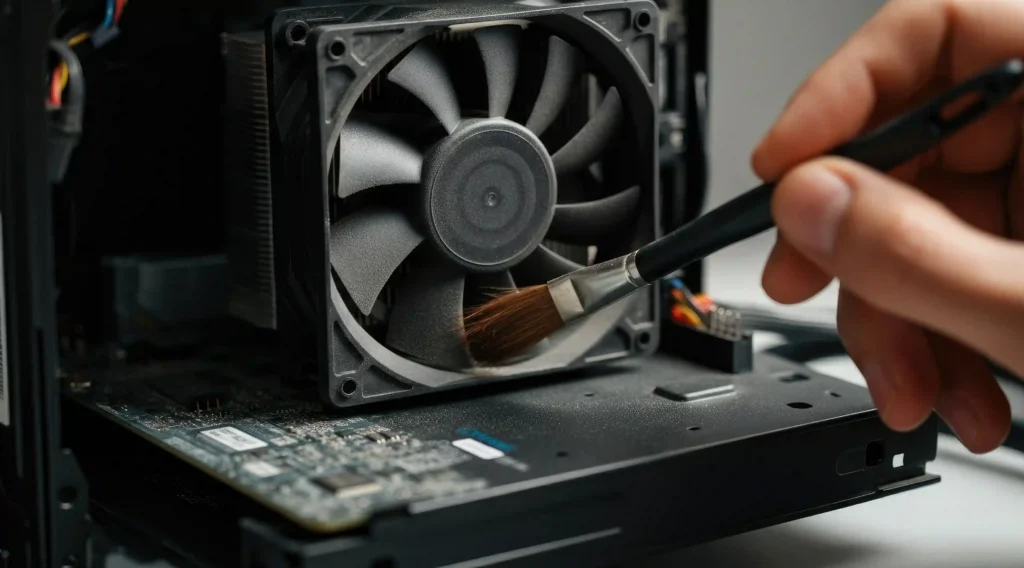
The old computer was also serviced and deep cleaned as part of the work, helping remove accumulated dust and debris from the system and allowing the internal components to be checked as part of the overall service.
2. Careful Reassembly & Testing
Once the computer had been assessed, we explained the available repair options to the customer.
The options ranged from a simple repair through to more complicated hardware upgrades, depending on the customer’s need.
It gave the customer a clear understanding of the situation before deciding how to proceed.
3. Driver & System Configuration Repair
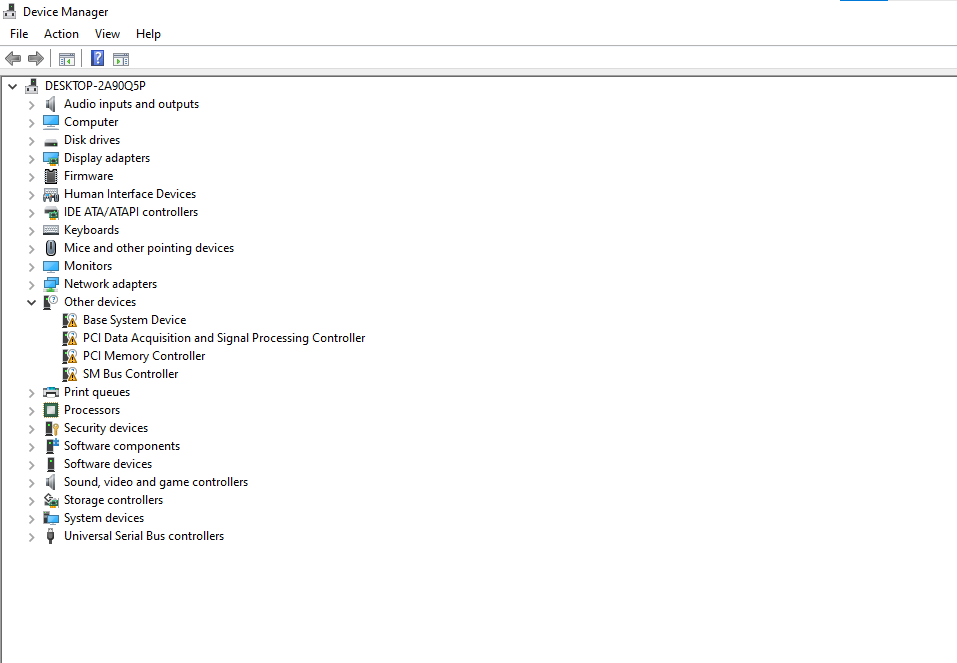
Our technician identified that the issue was related to the computer’s driver configuration following an update.
The affected driver settings were reviewed and corrected, restoring the required configuration without the need for more extensive hardware repair or replacement.
Once the driver issue was resolved, the computer was tested to confirm that it was functioning correctly.
4. Testing & Final Check
After completing the repair, the computer was tested to confirm that the issue had been resolved and that the machine was operating correctly.
The work was completed very promptly, allowing the customer to get their computer back without an unnecessary delay.
The Result
The customer was able to keep using their existing computer instead of replacing it.
- The underlying driver configuration issue was identified and corrected
- The computer was restored to normal working condition
- No hardware replacement was required
- More complicated repair options were avoided
- The repair was completed promptly
- The customer was pleased with the clear explanation, honest assessment and efficient service
The customer initially understood that the age of the computer might mean replacement was the more practical option. After our assessment, however, we were able to identify a less involved solution and repair the existing machine.
At Computer Mechanics, we believe that the age of a computer should not automatically determine whether it is worth repairing. A proper assessment can establish what is actually wrong and whether a simple, practical repair is still possible.
What Our Customer Said
I had an old computer examined by this company aware that the machine may be beyond its reasonable life. Repair options were explained clearly varying from the simple to complicated. Fortunately only a simple repair was required and the service was performed very promptly. I am very pleased with the honesty and efficiency of this company and have no hesitation recommending them.
Recommend Computer Mechanics to anyone …
–Edward Baddour
Think Your Old Computer Needs to Be Replaced?
If you have an older computer that isn’t working properly, it may be worth having it assessed before replacing it.
At Computer Mechanics Perth, we examine the machine, identify the problem and explain the available repair options clearly, from a straightforward fix to more involved repairs where necessary. We’ll help you understand what is actually required so you can make an informed decision about your ageing computer.
Have an older computer that you’re considering replacing? Get in touch with Computer Mechanics for an assessment.