

The right laptop selection in 2026 might be very confusing to you. There are so many brands, models, and specifications that it is quite a challenge to figure out what is best for you. In this article, we are going to look at the best laptop brands of 2026 in Australia, the criteria you should use to make your decision, and some tips to choose the perfect device for your needs. No matter if you are a student, a professional, a gamer, or a creative, this guide is a great way to find out what your next laptop should be.
Most Recommended Laptop Brands at a Glance
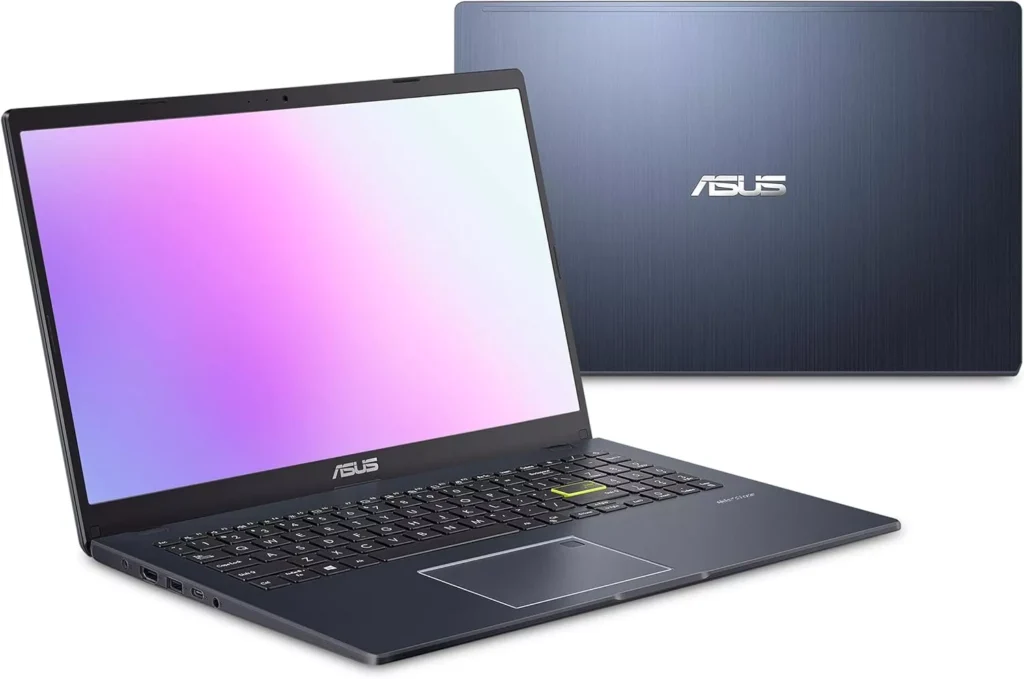
If you’re on the hunt for a new laptop in 2026, check out the brief explanation of the top-rated laptops in Australia and the reasons each of these brands stands out, so it is easier to make a decision. Some of the best laptop brands of 2026 in Australia are:
- Apple: Powerful performance and a seamless ecosystem. If you are a creative or a tech enthusiast, then premium MacBooks are just the thing you need.
- Asus: From gaming laptops to ultrabooks, the range of Asus is very versatile. Asus laptops provide great value for money.
- Acer: Acer provides many budget-friendly laptop options that you can choose from. Cheap but provides solid performance. It is suitable if you are a student or use it casually.
- Dell: Dell laptops are built for long-term use and are reliable. They are best for professionals and business users.
- HP: Provides not only budget laptops but premium laptops as well. So HP serves a wide range of users.
- Lenovo: ThinkPads and Yoga series are the most popular ones. They’re built to be dependable and usually last long. Productivity is the focus rather than style.
- Samsung: Sleek, portable devices. Features high-quality displays. Battery life is strong, too.
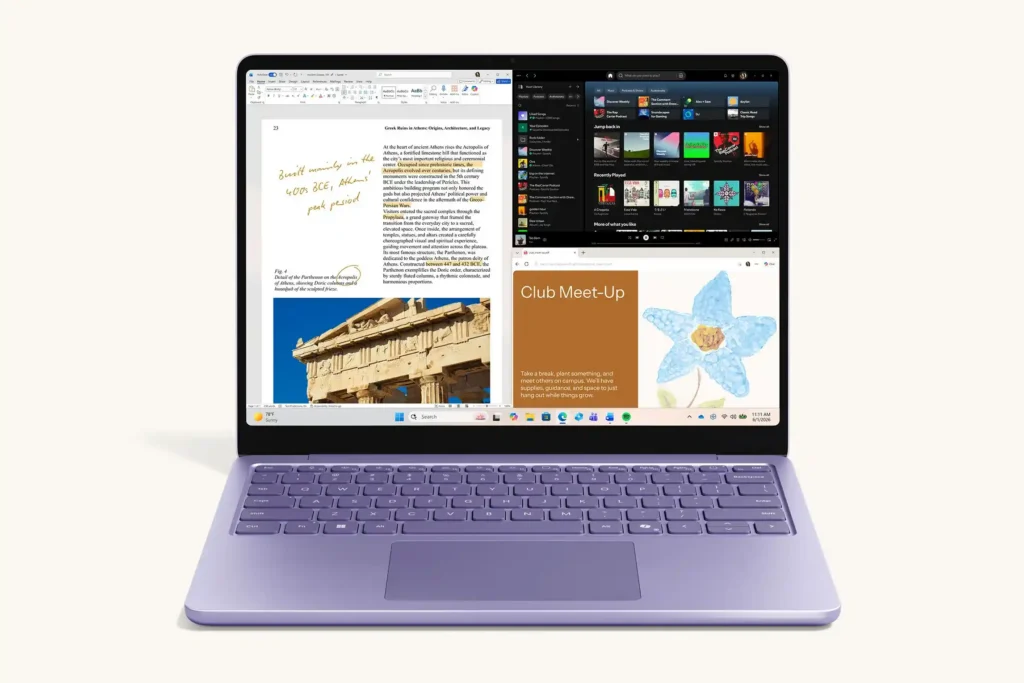
- Microsoft: Surface laptops and 2-in-1 devices are lightweight and offer a clean Windows experience, making them a good choice for students and professionals.
- MSI: Known mainly for gaming and high-performance laptops. MSI also offers models for creative professionals who need powerful hardware.
Criteria for Choosing the Best Laptop in 2026
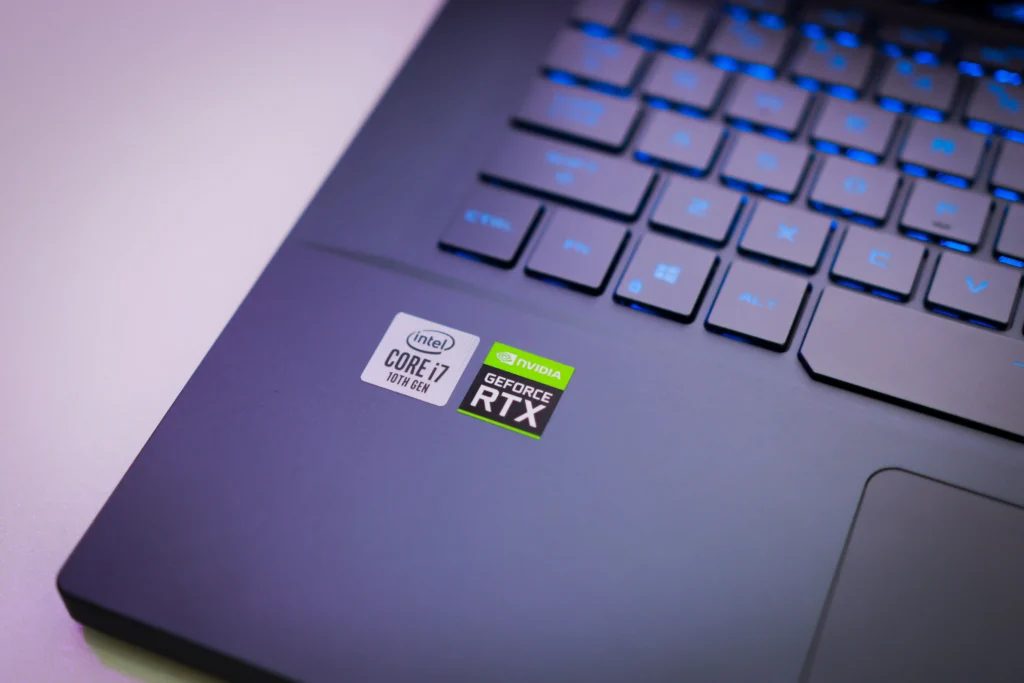
Not all laptops have the same level of quality. The best laptops are those that meet your exact needs. Below are the important aspects to think about:
- Performance: Whether gaming, video editing, or doing day-to-day work, CPU, RAM, storage, and GPU should match your tasks. Faster processors and SSDs help improve laptop speed.
- Portability & Battery: Students and professionals on the move must go for lightweight laptops with long battery life.
- User Experience: High-resolution screens, responsive keyboards, intuitive interfaces, and quality built-in hardware all contribute to a smooth user experience.
- Ports & Connectivity: Choose a laptop that has all the necessary ports to connect your accessories and external devices.
- Build Quality: Expensive brands like Apple and Lenovo use high-quality materials and attractive designs, which can improve longevity. A strong hinge, comfortable keyboard, and well-built chassis help prevent issues like a broken hinge and protect internal components.
- Customer Service & Warranty: Some brands like Apple and Dell provide good after-sales support, and extended warranties give you a little more security under the Australian Consumer Law.
- Innovation: Leading brands invest in research and development to introduce new features and technologies, such as Apple’s M4 or M5 chips and ASUS’s dual-screen laptop designs. These innovations can provide additional features and capabilities for different types of users.
Best Laptop Brands of 2026
In 2026, several brands stand out for reliability, performance, and innovation. Here’s a breakdown of the top-ranking laptop brands in Australia:
Apple
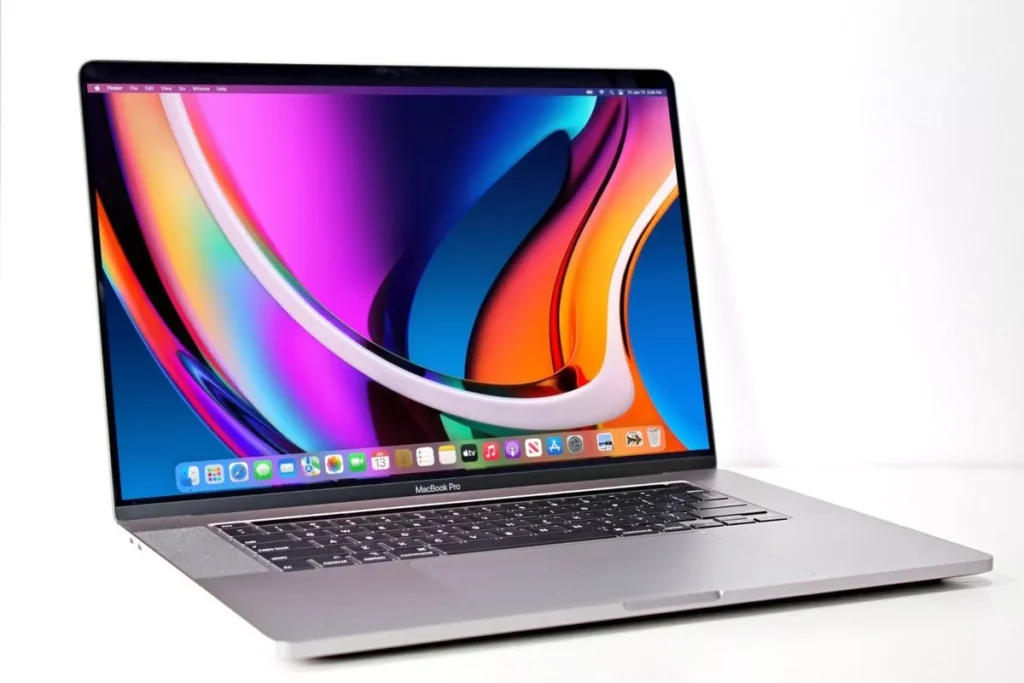
Apple is known for premium design, strong performance, excellent battery life, and seamless integration with the wider Apple ecosystem. Its MacBooks are particularly popular among students, professionals, and creative users.
- Popular Models: MacBook Air (M5), MacBook Pro (M5), MacBook Pro (M5 Pro), and MacBook Pro (M5 Max).
- Why It Stands Out: Excellent battery efficiency, premium build quality, powerful Apple silicon, and smooth integration with iPhone and iPad.
- Strengths: Long battery life, high-quality displays and trackpads, efficient performance, and strong build quality.
- Weaknesses: Higher prices, limited hardware customisation, and fewer ports on some models. Macs also have a smaller selection of popular PC games than Windows laptops.
- Best Apple Laptops for Personal Use:
- MacBook Air 13-inch / Air 15-inch (M5) for portability
- MacBook Neo for a more affordable everyday option.
- Best Apple Laptops for Gaming / Heavy Use:
- MacBook Pro 14-inch / 16-inch (M5 Pro)
- MacBook Pro with M5 Max
Although Apple has improved gaming performance, Macs are still not the preferred choice for dedicated gaming because of game availability and compatibility.
Asus
ASUS offers laptops for everyday use, professional work, and gaming, and is known for features such as high-refresh-rate displays, advanced cooling, and innovative designs.
- Popular Models: Zenbook A14, Vivobook S14, ROG Zephyrus G14, and ROG Zephyrus G16.
- Why It Stands Out: ASUS offers laptops for almost every type of user, from lightweight Copilot+ PCs to high-performance gaming and creator machines.
- Strengths: Strong performance, excellent display options, innovative designs, and a broad range of models.
- Weaknesses: High-performance gaming models can be expensive, while some thinner models may prioritise portability over sustained performance.
- Best Asus Laptops for Personal Use:
- Zenbook A14 (2026) for portability and battery life
- Vivobook S14 for everyday work and study
- Best Asus Laptops for Gaming / Heavy Use:
- ROG Zephyrus G14 (2026) for a balance of portability and gaming performance
- ROG Zephyrus G16 (2026) for a larger screen
- ROG Zephyrus Duo (2026) for demanding gaming and professional workloads.
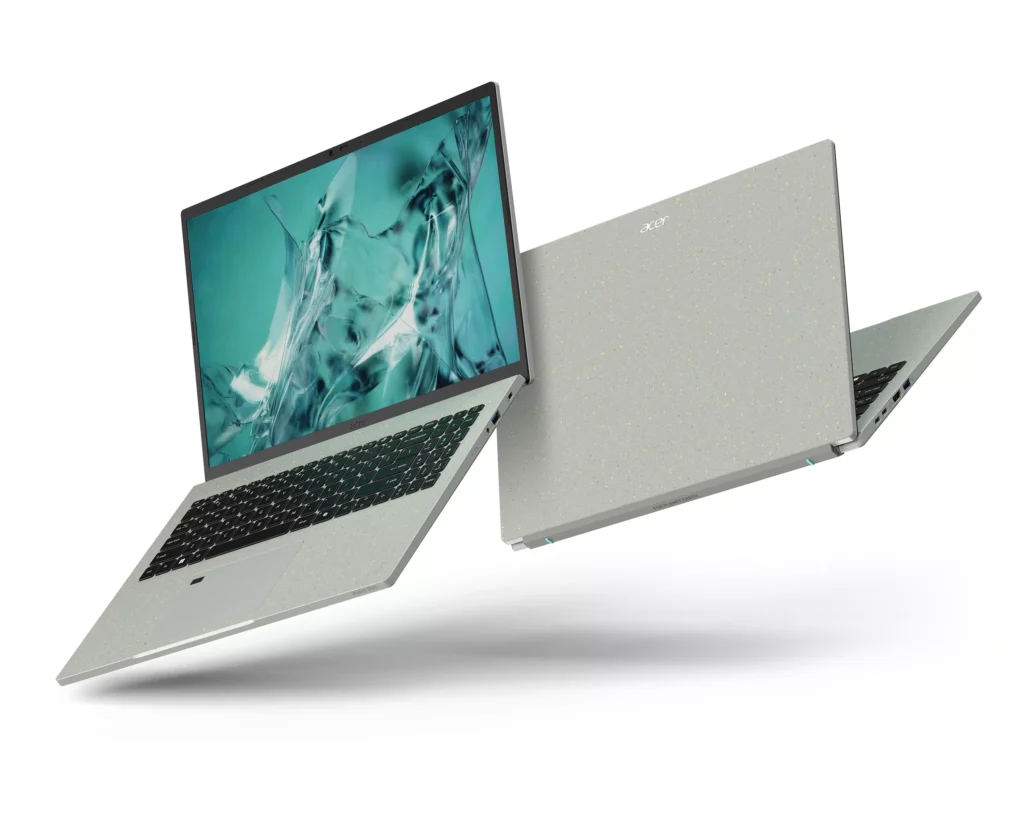
Acer
Acer offers a wide range of laptops for students, everyday users, and gamers, with newer models focusing on portability, AI features, and strong performance.
- Popular Models: Swift Go 14 AI, Aspire 14 AI, Nitro V 16 AI, and Predator Helios Neo 16 AI.
- Why It Stands Out: Offers a good balance of performance, features, and pricing across different laptop categories.
- Strengths: Good value, lightweight options, capable hardware, and a broad range of models.
- Weaknesses: Some affordable models have simpler build quality, while high-performance gaming laptops can be heavier and less portable.
- Best Acer Laptops for Personal Use:
- Swift Go 14 AI for portability and battery life
- Aspire 14 AI for everyday work and study
- Swift Go 16 AI for a larger display.
- Best Acer Laptops for Gaming / Heavy Use:
- Nitro V 16 AI for value-oriented gaming.
- Predator Helios Neo 16 AI for stronger gaming performance.
- Predator Helios 16 AI for demanding gaming and heavy workloads.
Dell
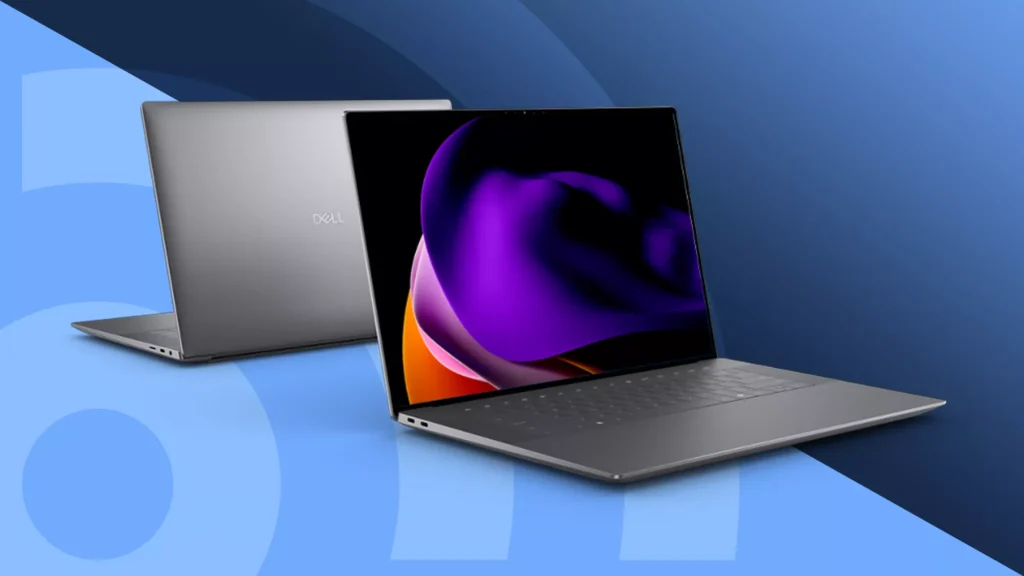
Dell is known for premium laptops designed for business, productivity, and creative work, while its Alienware range focuses on gaming and high-performance workloads.
- Popular Models: XPS 13, XPS 14, XPS 16, Alienware 16 Aurora, and Alienware 16 Area-51.
- Why It Stands Out: Strong build quality, professional designs, high-quality displays, and reliable performance across different workloads.
- Strengths: Premium materials, excellent display options, powerful configurations, and strong productivity-focused laptops.
- Weaknesses: Premium models can be expensive, while some slim XPS models have fewer ports and limited upgrade options.
- Best Dell Laptops for Personal Use:
- XPS 13 (2026) for portability.
- XPS 14 (2026) for a balance of performance and mobility.
- XPS 16 (2026) for larger-screen productivity and creative work.
- Best Dell Laptops for Gaming / Heavy Use:
- Alienware 16 Aurora for gaming at a lower price.
- Alienware 16X Aurora for stronger performance.
- Alienware 16 Area-51 for high-end gaming and demanding workloads.
HP
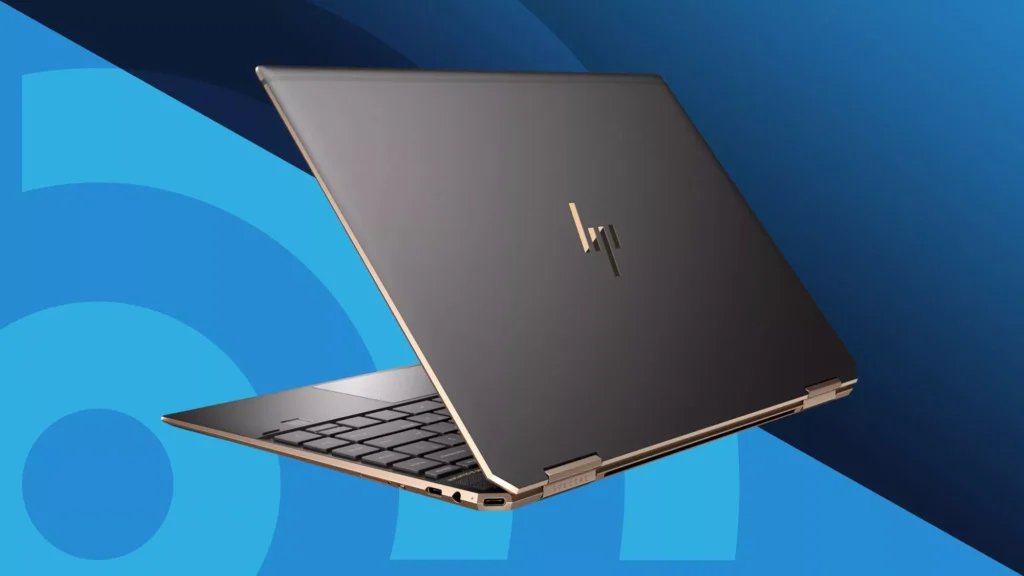
HP offers a broad range of laptops for students, professionals, creators, and gamers, with its newer OmniBook range focusing on AI features, portability, and flexible designs.
- Popular Models: OmniBook X, OmniBook Ultra, OmniBook 5, and OMEN 16.
- Why It Stands Out: Combines versatile designs, strong displays, AI-powered features, and options across different budgets.
- Strengths: Good display options including OLED, versatile 2-in-1 models, solid performance, and a wide range of laptops.
- Weaknesses: Premium configurations can be expensive, while some high-performance models can be heavier and louder under demanding workloads.
- Best HP Laptops for Personal Use:
- OmniBook X Flip 14 for portability and versatility.
- OmniBook 5 for everyday work and study.
- OmniBook Ultra 14 for premium performance and creative tasks.
- Best HP Laptops for Gaming / Heavy Use:
- OMEN Transcend 14 for portable gaming.
- OMEN 16 for stronger gaming performance.
- OmniBook Ultra for demanding professional and creative workloads.
Lenovo
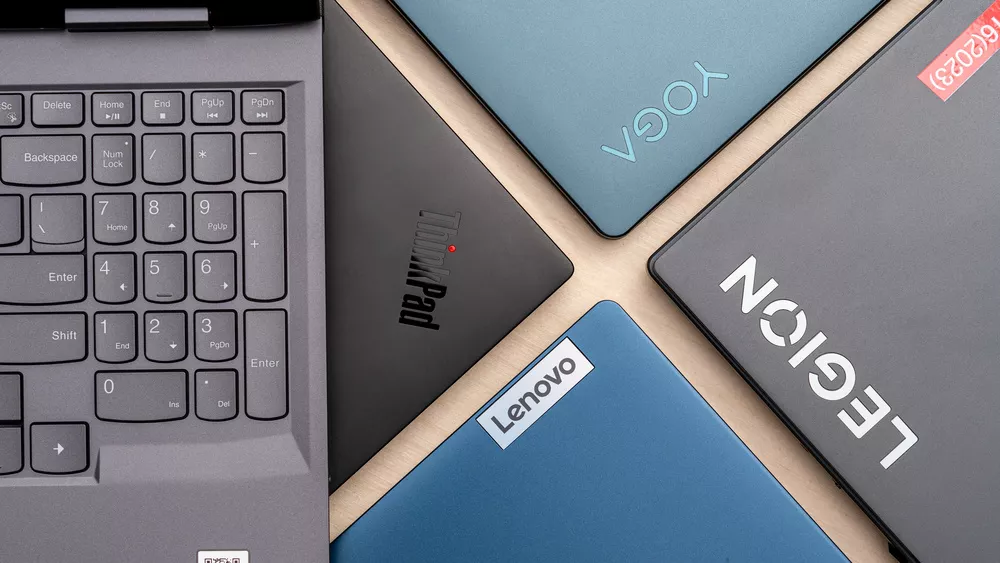
Lenovo is known for durable, comfortable laptops, with ThinkPad models aimed at business users and Yoga models offering flexible 2-in-1 designs.
- Popular Models: ThinkPad X1 Carbon Gen 14, Yoga 7i 2-in-1, Yoga Pro 9i, and Legion Pro 7i.
- Why It Stands Out: Excellent keyboards, durable designs, and a wide range of laptops for business, personal use, creative work, and gaming.
- Strengths: Strong build quality, comfortable keyboards, versatile Yoga 2-in-1 designs, and powerful Legion gaming laptops.
- Weaknesses: Premium ThinkPad and Yoga models can be expensive, while some performance-focused models are heavier than everyday laptops.
- Best Lenovo Laptops for Personal Use:
- ThinkPad X1 Carbon Gen 14 for portability and productivity
- Yoga 7i 2-in-1 for flexibility
- Yoga Pro 9i for more demanding creative work.
- Best Lenovo Laptops for Gaming / Heavy Use:
- Legion 5i for value-focused gaming,
- Legion Pro 7i Gen 10 for high-performance gaming
- Yoga Pro 9i Aura Edition for demanding creative workloads.
Samsung
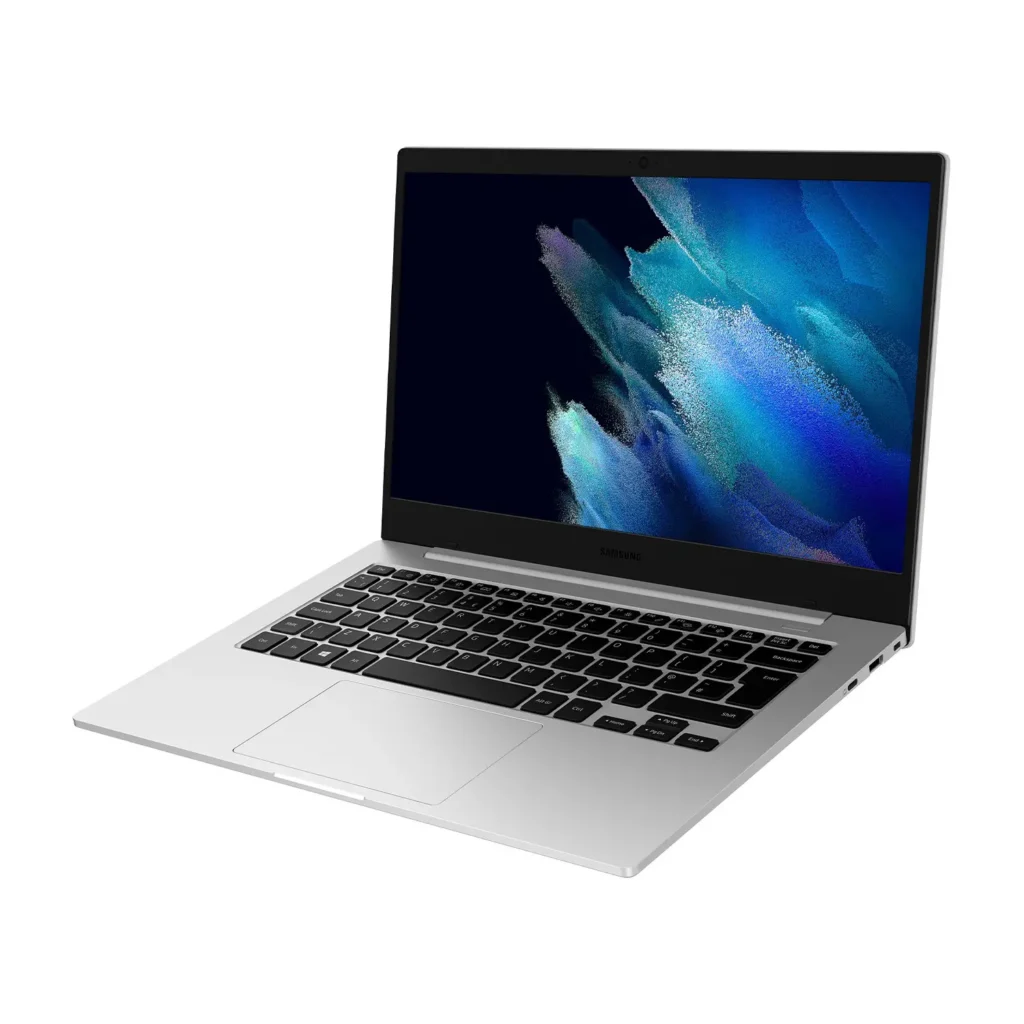
Samsung is known for slim, lightweight laptops with vibrant AMOLED displays and strong integration with its Galaxy phones, tablets, and other devices.
- Popular Models: Galaxy Book6, Galaxy Book6 Pro, Galaxy Book6 Ultra, and Galaxy Book6 Pro 360.
- Why It Stands Out: Excellent AMOLED displays, lightweight designs, long battery life, and seamless Galaxy ecosystem features.
- Strengths: Bright displays, portability, good battery efficiency, and useful connectivity with Samsung Galaxy devices.
- Weaknesses: Limited dedicated gaming options compared with gaming-focused brands, and higher-end models can become expensive.
- Best Samsung Laptops for Personal Use:
- Galaxy Book6 for everyday use
- Galaxy Book6 Pro for a premium portable experience
- Galaxy Book6 Pro 360 for users who want a versatile 2-in-1 laptop.
- Best Samsung Laptops for Gaming / Heavy Use:
- Galaxy Book6 Ultra is Samsung’s best option for demanding workloads and gaming, with RTX 5060/5070 graphics. However, Samsung offers fewer dedicated gaming laptops than brands such as ASUS, Lenovo, and Acer.
Microsoft
Microsoft’s Surface range focuses on slim, portable laptops and versatile 2-in-1 devices, with the latest models offering strong battery life and AI features.
- Popular Models: Surface Laptop 8th Edition, Surface Laptop 13-inch, Surface Pro 12-inch, and Surface Pro 12th Edition.
- Why It Stands Out: Clean designs, excellent Windows integration, portability, and versatile 2-in-1 options.
- Strengths: Lightweight designs, long battery life, quality displays, and strong integration with Microsoft 365 and Windows.
- Weaknesses: Limited port selection on some models, premium pricing, and fewer high-performance configurations compared with gaming-focused brands.
- Best Microsoft Laptops for Personal Use:
- Surface Laptop 13-inch for portability
- Surface Laptop 8th Edition for everyday productivity
- Surface Pro 12-inch for users who want a tablet-laptop hybrid.
- Best Microsoft Laptops for Gaming / Heavy Use: Microsoft does not offer a dedicated gaming laptop lineup. Surface Laptop 8th Edition is suitable for general heavy productivity, but dedicated gaming brands are a better choice for demanding gaming.
MSI
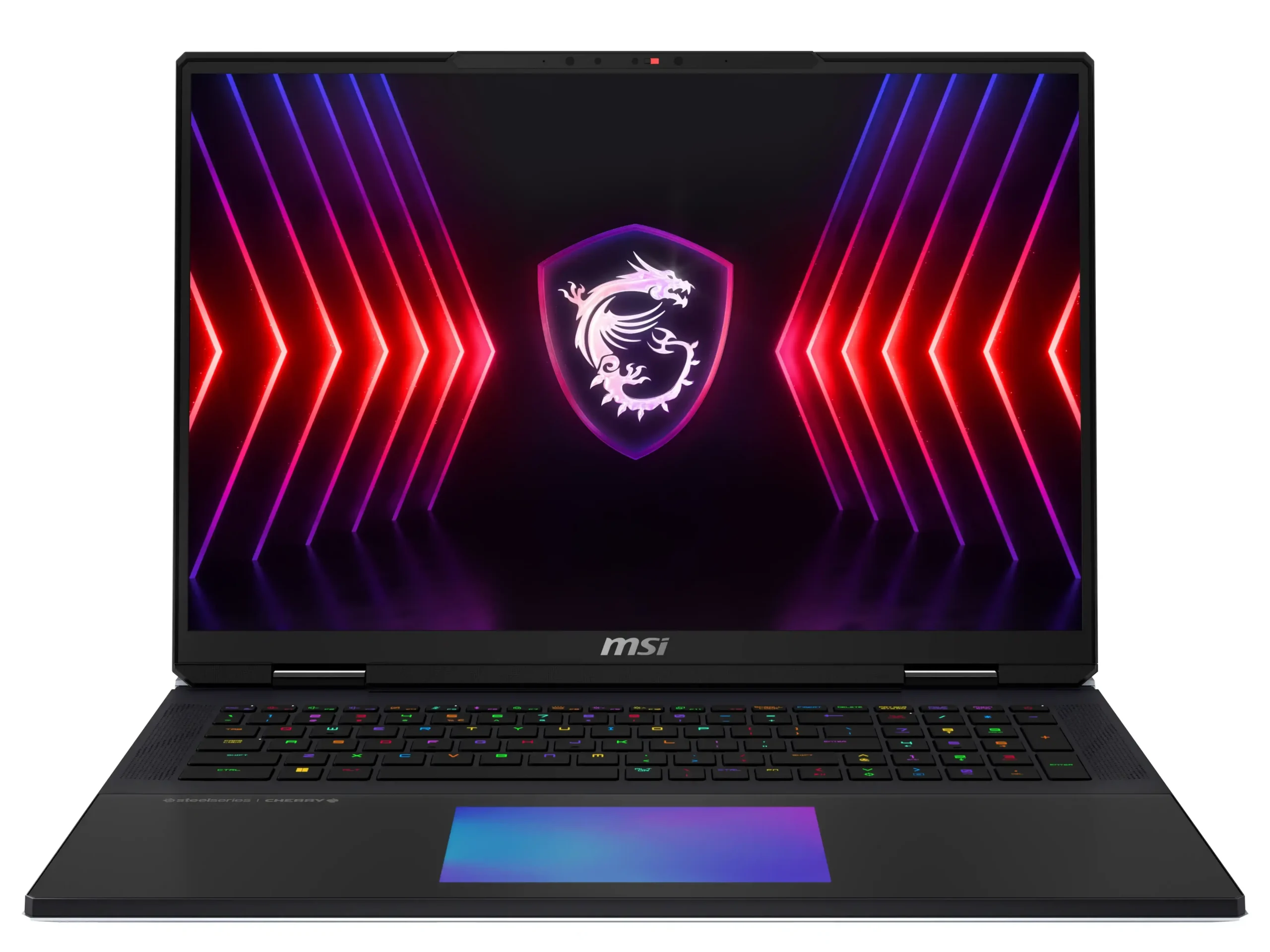
MSI is best known for gaming and high-performance laptops, but its Prestige series also offers slim models for professionals and everyday use.
- Popular Models: Prestige 16 AI+, Stealth 16 AI+, Raider 16 Max HX, and Titan 18 HX.
- Why It Stands Out: Strong gaming performance, high-refresh-rate displays, advanced cooling, and powerful hardware.
- Strengths: Excellent gaming performance, strong GPU options, high-quality displays, and capable creator-focused models.
- Weaknesses: Gaming models can be heavy and expensive, while performance under heavy workloads can affect battery life.
- Best MSI Laptops for Personal Use:
- Prestige 14 AI+ for portability
- Prestige 16 AI+ for a larger screen
- Prestige 16 Flip AI+ for a flexible 2-in-1 design.
- Best MSI Laptops for Gaming / Heavy Use:
- Stealth 16 AI+ for portable gaming
- Raider 16 Max HX for high-end gaming
- Titan 18 HX for maximum performance
Which Laptop Should You Buy in 2026?
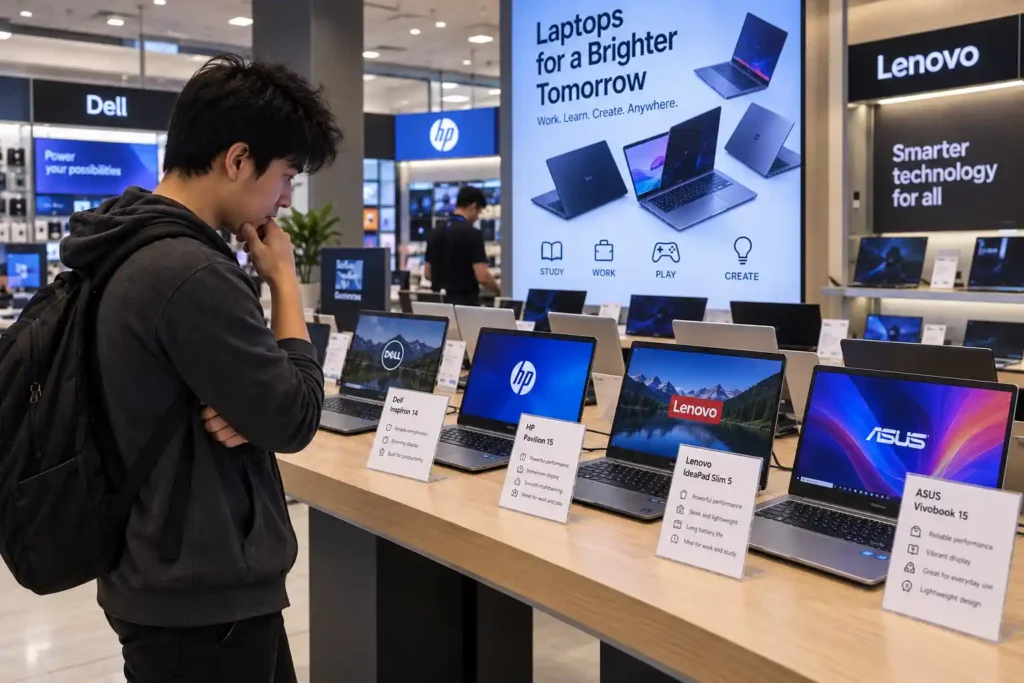
One laptop cannot be the best for every person. A laptop that you would ideally choose is based on the type of work that you do and also your personal preferences.
- Students: The best laptops for students are those that are cheap and lightweight. You need enough battery life that lasts you through lectures. Acer, Lenovo, and HP are great options that meet these needs.
- Gamers: Are speed and smooth graphics essential to you? If yes, then Lenovo, ASUS, Acer, and MSI laptops are some of the top choices. These can handle high-end games without lagging much.
- Tech Enthusiasts: Whether it is innovation that you want or seamless device integration, the Apple MacBook and Microsoft Surface are great options. These offer advanced features and ecosystem benefits.
- On-the-Move Professionals: Lenovo, Dell, Apple, and Microsoft have created devices that can not only manage a heavy workload but can also accompany you on a long trip. What you require is a portable but durable laptop.
- Budget-Conscious Users: It is possible to get a laptop with solid performance that is still within budget. Acer, Lenovo, and HP should be at the top of your list if you want a great laptop that won’t scare away your wallet.
Keep in mind how you’ll actually use the laptop and pick one that fits your lifestyle. And it will last for years without frustration.
Need Help With Laptop Repairs or Upgrades in Perth?
Buying a laptop alone is not sufficient. You must have the right support to continue its good performance. Any device may eventually suffer from problems such as slow performance, laptop overheating, a broken screen, or hardware faults. We at Computer Mechanics in Perth are your go-to for fast and trustworthy laptop computer repairs and upgrades. We help you maintain the speed, stability, and lifespan of your laptop. Book your repair today!
Conclusion
Finding the best laptop brands in Australia in 2026 doesn’t have to be daunting. By considering your specific needs, comparing top brands, and evaluating key features, you can make an informed choice. Whether you prioritize performance, portability, or value, there’s a perfect laptop waiting for you. Remember, the best laptop is not always the most expensive, but it’s the one that suits your way of living and work habits.
FAQs
1. What are the best laptops for students in Australia?
Students usually look for something that is affordable, lightweight, and reliable. Brands like Acer, Lenovo, HP, Apple, and Microsoft offer good performance but without a huge price tag. They also have models with long battery life and solid build quality, which will be ideal for lectures, note-taking, and everyday uni work.
2. Which laptop brands are the most reliable?
When it comes to long-term reliability, the best laptop brands are Apple, Lenovo, Dell, HP, and Microsoft . Their laptops tend to last for years, even if you use them daily. They’re also known for good thermal control, sturdy hinges, and consistent customer support.
3. Which laptop is best for gaming and heavy usage?
For gaming and demanding workloads, ASUS ROG, Lenovo Legion, Acer Predator, MSI, and Dell Alienware offer some of the strongest options in 2026. Look for a dedicated GPU, powerful processor, sufficient RAM, and effective cooling.
4. Which laptop is best for long-term use?
If you want a laptop that ages well, Apple, Dell, and Lenovo are usually the safest options. They’re built with durable materials, receive regular software updates, and don’t slow down as quickly over time. Their keyboards and trackpads also stay reliable even with heavy use.
5. What should I look for when buying a laptop?
Make sure the laptop actually fits your needs. Check the processor, RAM, and storage based on what you’ll be using it for. Look at battery life, display quality, and port options if you plug in multiple devices. And don’t forget after-sales support. A good warranty can save you a lot of trouble later.
